Create your account and get set up
Sign up, confirm your email, and tell us about the organisation. It takes about five minutes, you only do it once, and at the end you can start your first assessment.
Before you start
You need a work email address — personal addresses are not accepted — and a few facts about the organisation: registration number, sector, rough size and revenue, and which countries you operate in. All of it can be changed later.
Create your account
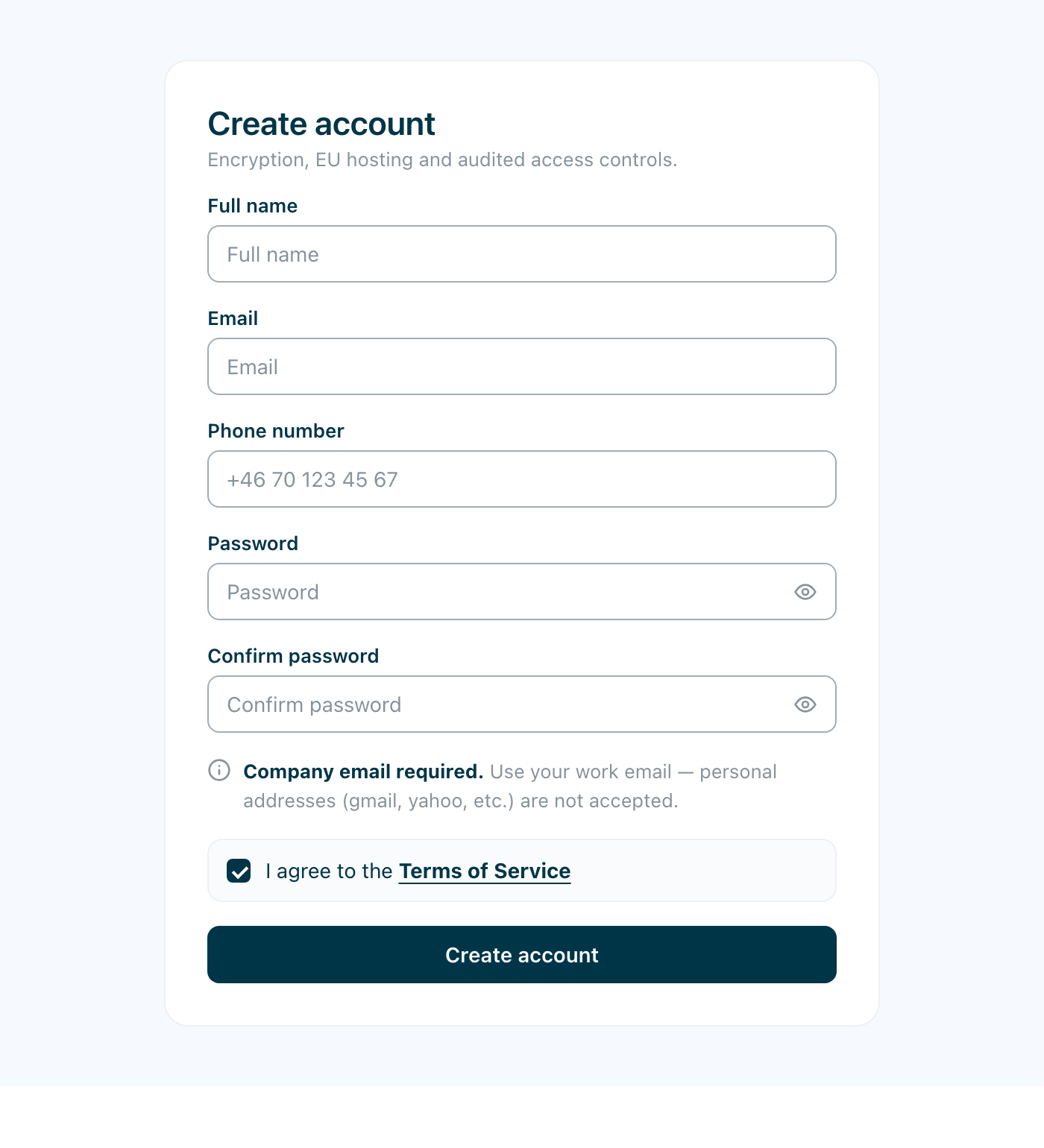
Your name, your work email, a phone number, and a password. Accept the Terms of Service and choose Create account.
The email address becomes your sign-in, and personal domains (gmail, yahoo and the like) are rejected. If a consultant or a colleague has already invited you, that invitation overrides the rule and your address is accepted whatever the domain.
Verify your email
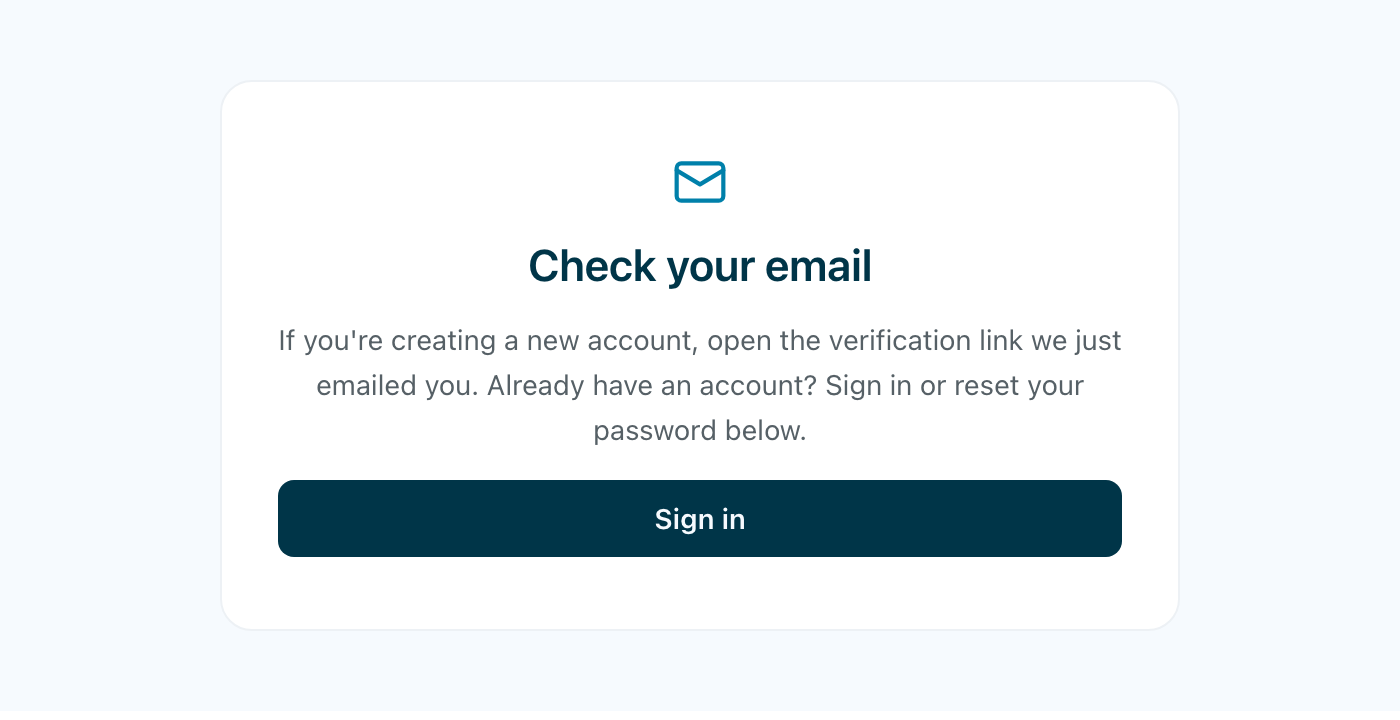
We email you a verification link. Open it, and you can sign in.
Trying to sign in before opening it tells you the email isn’t verified yet, with a button to send the link again.
Tell us about your organisation
The first time you sign in, setup runs in three steps.
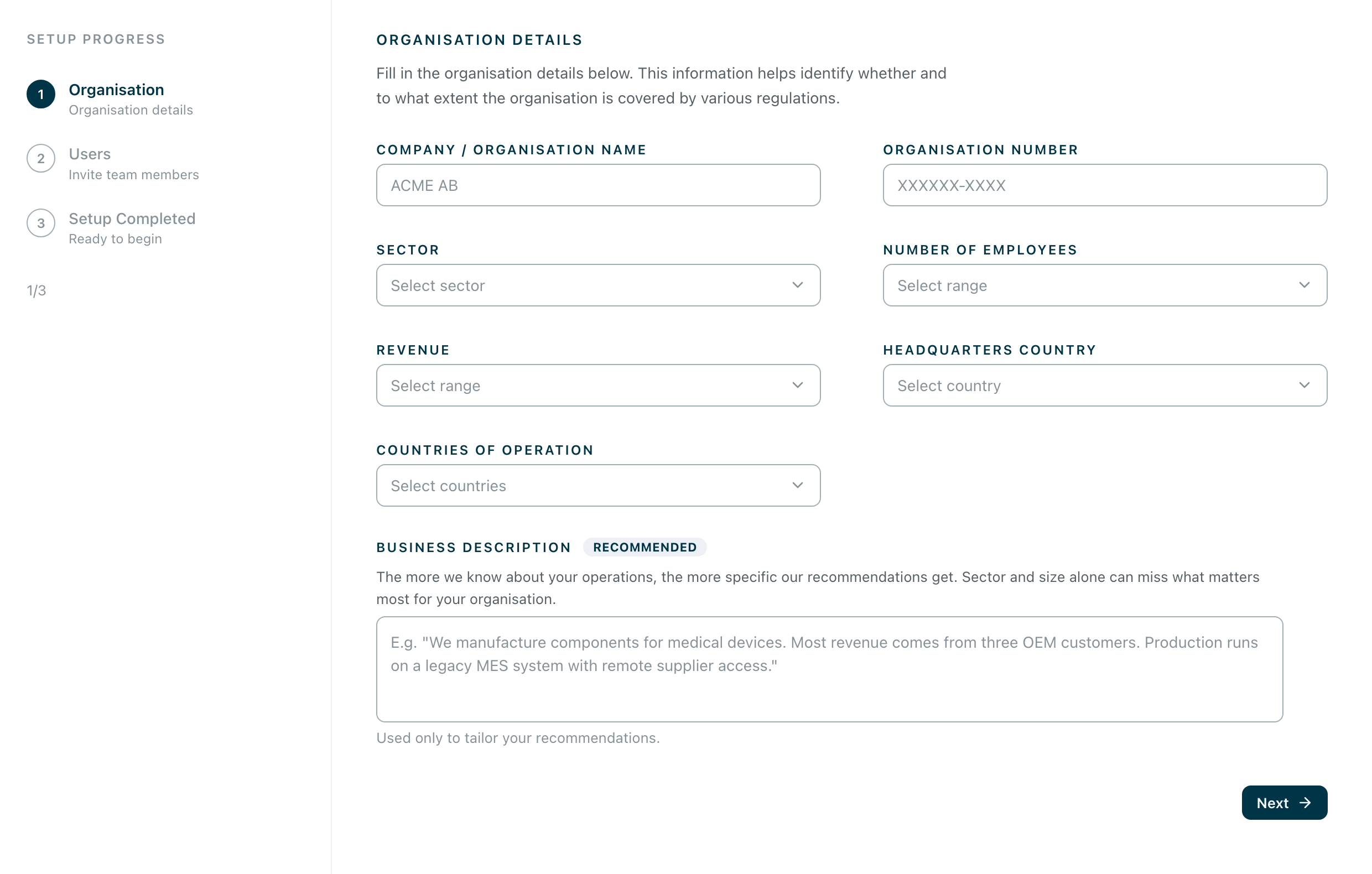
Step one is the organisation itself: name, registration number, sector, number of employees, revenue, where you are headquartered and where you operate. These answers decide which regulations apply to you and how much of them, so they shape the assessment you are about to run.
Business description is the difference between advice aimed at a sector and advice aimed at you: two or three sentences about what you actually do, what your revenue depends on, and which systems you could not run without. Sector and headcount alone cannot tell us that a legacy production system has remote supplier access. It is used only to tailor your recommendations.
Invite your colleagues
Step two invites the people who will answer with you and be accountable for the work afterwards. It can be skipped, and the same invitations can be sent later from Settings — see Adding people to your organisation.
You’re all set
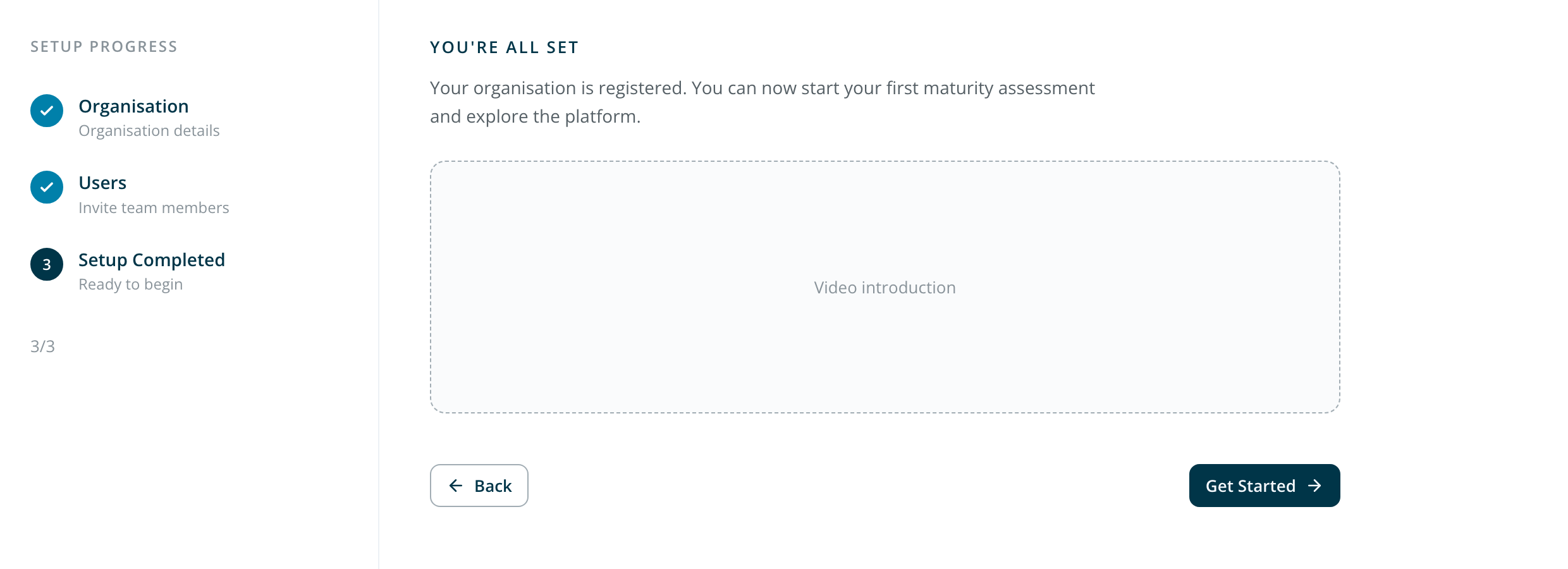
Step three confirms your organisation is registered. Get Started takes you into the platform, where the next thing to do is your first maturity assessment — see Run your first assessment.
If a consultant invited you
You skip most of this. Accept the invitation in your email, create your account, and you land directly in the organisation your consultant has already set up — no setup steps, no organisation to fill in.
What you will find there depends on how far they have come: a framework already chosen, and often an assessment already under way that you can follow while they work.